The Ultimate Travel Checklist for Protecting Your Gadgets
A cracked screen two hours into a trip is a special kind of misery. The boarding pass, the map, the hotel address, the photos of the day so far — all of it behind glass that has stopped working. The annoying truth is that most gadget damage on the road is not bad luck. It is the same handful of avoidable moments: a laptop sliding loose in a security tray, a phone baking on a car dashboard, a charger plugged into a socket it was never meant for.
What follows is the checklist to run through before you close the bag. It covers what to pack, where to put it, and how to handle the situations — airports, beaches, rental cars — where devices tend to meet their end.
Do this at home, while you still have wifi you trust and time to fix a problem if you find one.
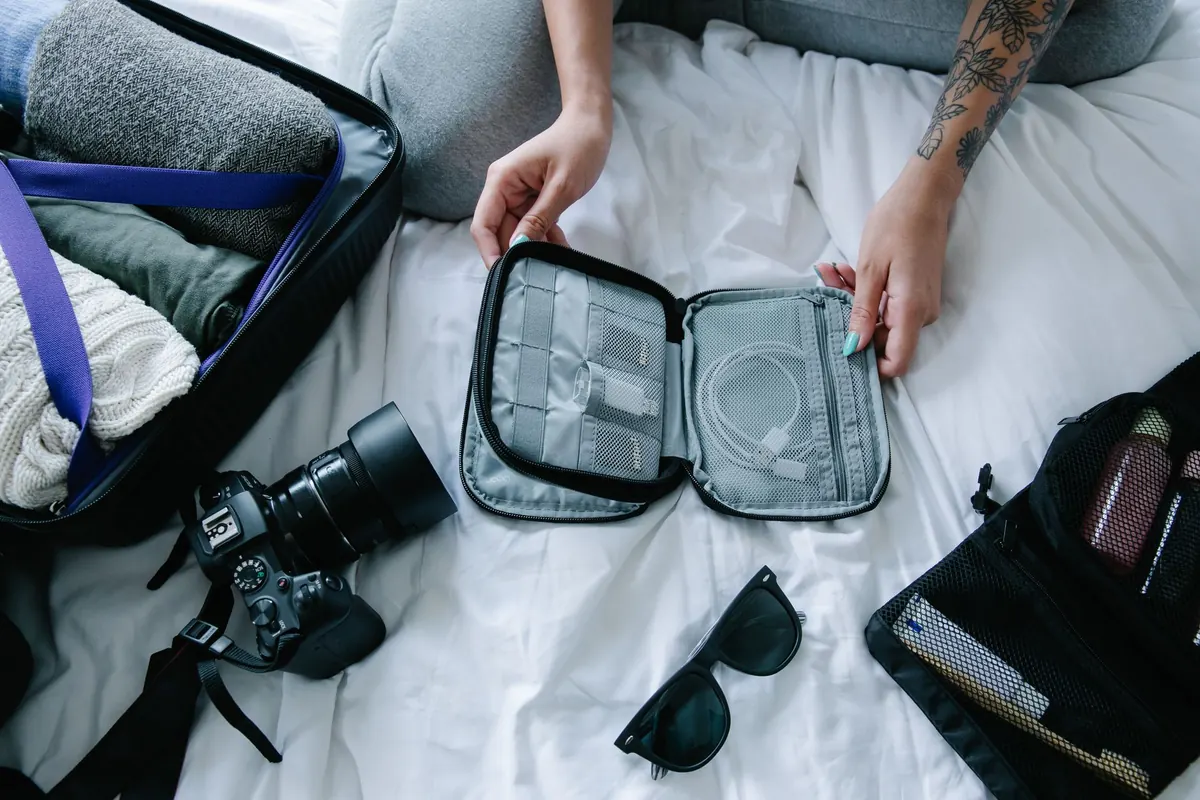
The case gets the credit, but a handful of cheap accessories prevent most of the damage. None of this takes much space, and all of it is easier to buy at home than in a terminal gift shop.
Keep the whole kit in one pouch and put that pouch in the same place every time. Half the value of a checklist is that you never have to think about it again.
A hard case protects nothing if the bag it sits in gets thrown into a cargo hold. Placement is the cheapest insurance you have.
Put the laptop or tablet in the padded sleeve against your back, screen facing inward, with nothing hard or pointed pressed against it. Batteries, keys and water bottles go in a separate compartment. If your backpack has a hip belt, use it — a swinging bag that hits a bench or a door frame is a common cause of bent corners and cracked panels.
If a device has to travel in a larger bag, layer it between soft clothing, away from the wheels and the handle rails, and never against the outside shell. Wrap the charging cable separately so a stray plug cannot press into the screen.
Power banks, spare lithium batteries, cameras you care about, and anything holding the only copy of your work. Checked bags get lost, delayed and searched. Carry your valuables, and treat the hold as a place for clothes.
Security trays are where good gear gets scratched. They are stacked, dragged, and frequently still wet from the previous passenger's water bottle. Instead of tipping your phone and laptop loose into the tray, keep them inside a sleeve and place the sleeve in the tray — or use two trays and put one on top as a lid. Tuck loose earphones, memory cards and adapters into a small pouch rather than letting them roll around.
On the plane, resist the seatback pocket. It bends tablets, collects crumbs and liquid, and is the single most common place people leave a phone behind. If you stow a bag in the overhead bin, take the laptop out first, or at least make sure nothing heavy sits on top of it.
Lithium batteries hate heat, and a car parked in the sun can reach temperatures that permanently reduce capacity or push a device into a shutdown it never quite recovers from. Never leave a phone or laptop on a dashboard or a rear parcel shelf. On the beach, keep devices in the shade inside a bag, not under a towel where heat builds up. If a device feels hot, stop charging it and take the case off.
Rain is obvious; humidity is not. Moving between air-conditioned buildings and warm, damp air causes condensation inside devices, and salt spray corrodes charging contacts long before anything visibly fails. Use the roll-top pouch for boats, pools and downpours, and give a damp device time to dry before plugging it in. Skip the rice trick — the dust and starch are not worth it. Power the device off and let it air out somewhere dry.
Voltage differs between countries, and a cheap plug adapter is not a voltage converter. Check the small print on your charger before you rely on it, and prefer a single well-made multi-port charger over three no-name bricks from a market stall. In older buildings, treat sockets with suspicion: charge while you are awake and in the room rather than overnight.
Before you fly, turn on device tracking and make sure you know the account password without needing the device itself to recover it. Add a contact number to your lock screen so a finder can reach you, and keep the tracker in your bag active. If something goes missing, report it while you are still in the country where it disappeared; foreign police reports are much harder to obtain after you leave.
Check what your travel insurance or home contents policy actually covers for electronics, including the excess and any requirement to report a theft within a set number of hours. Read the policy yourself and, for anything expensive, call the insurer and ask directly rather than trusting a forum thread.
Run this once, every trip. It takes less time than finding a replacement charger abroad.
Protection on the road is mostly boring, repeated behavior: the same pouch, the same pocket, the same two minutes of checking. Do that, and your gear comes home in the condition it left in.
Photo: Timur Weber / Pexels
Previous Post
Tempered Glass vs. Film vs. Ceramic: Which Screen Protector Is Best for You?
Next Post
Waterproof vs. Water-Resistant Cases: What's the Difference and Which Do You Need?